Your Episode Pipeline
Is a Production Line
Podcast networks running 3+ shows need more than a to-do list. Manage every guest booking, editor assignment, sponsor deadline, and publish task—across every show—in one workspace.
No credit card needed | Free forever for up to 2 users
14-day free trial · No credit card required · Set up your first pipeline in minutes
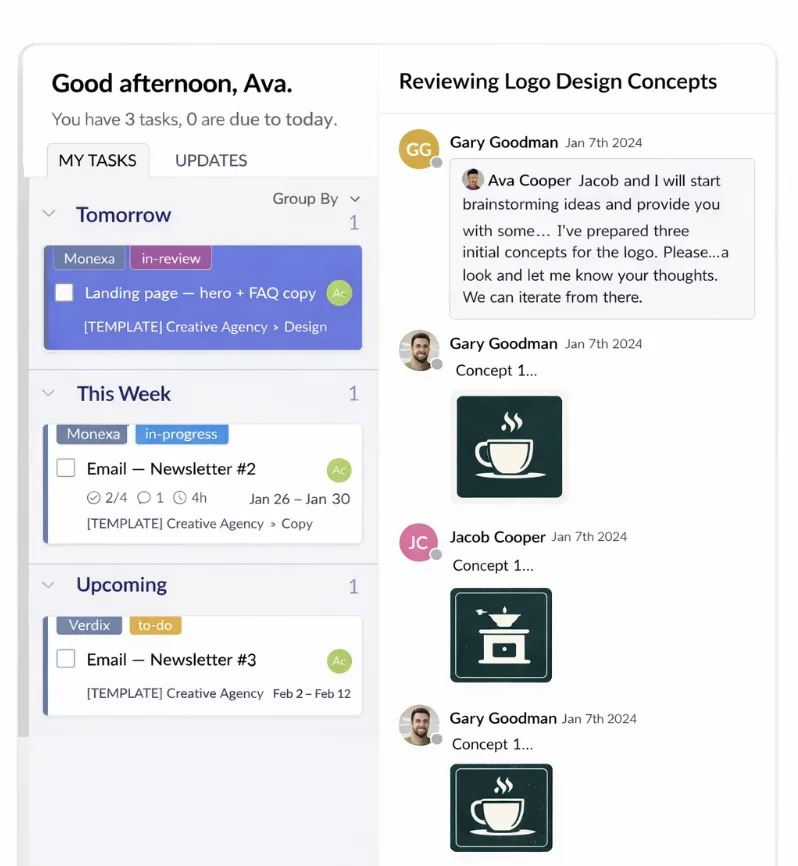
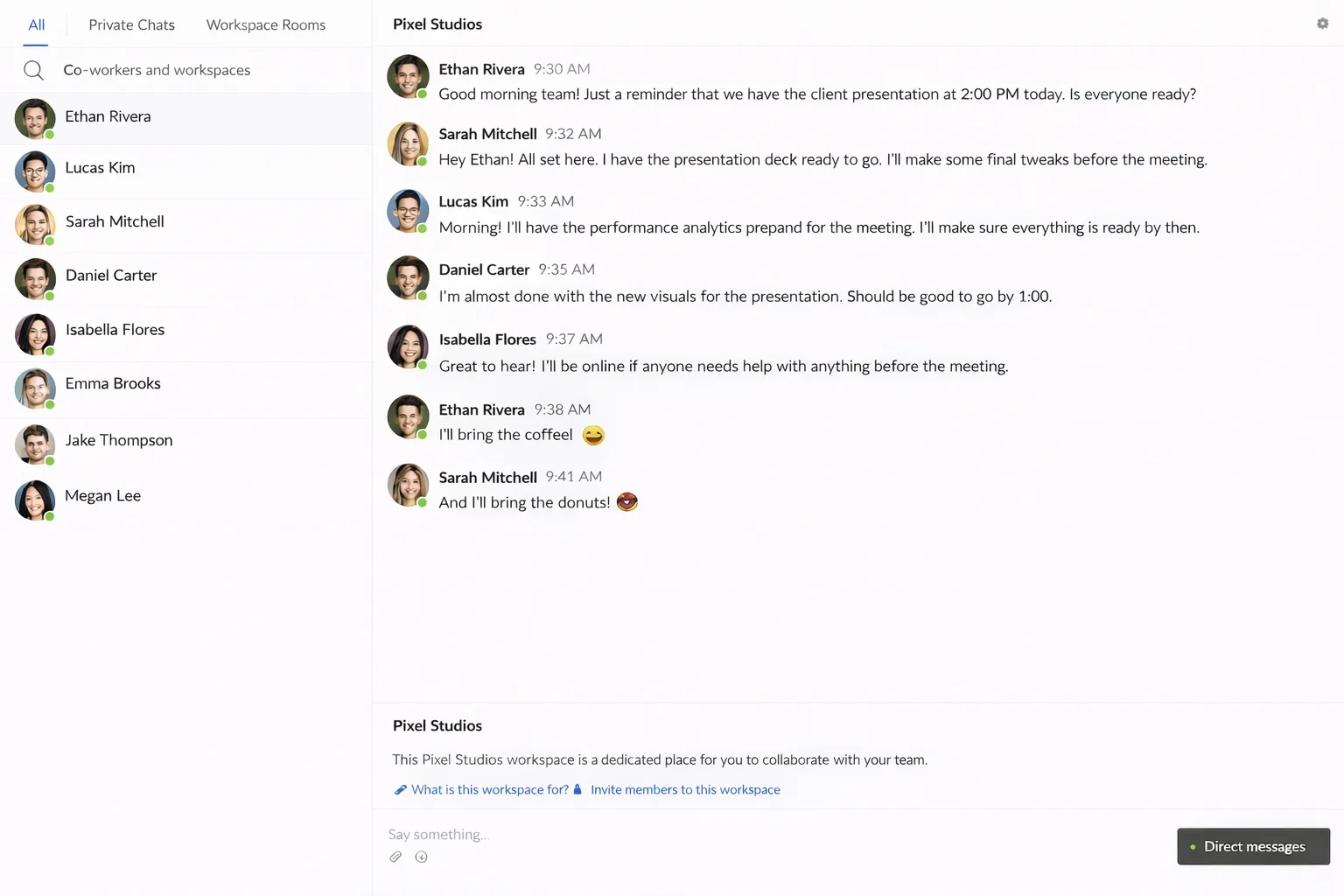
Before & After Redbooth
How podcast networks stop losing episodes to chaos
See Redbooth in Action
Episode Pipeline Templates
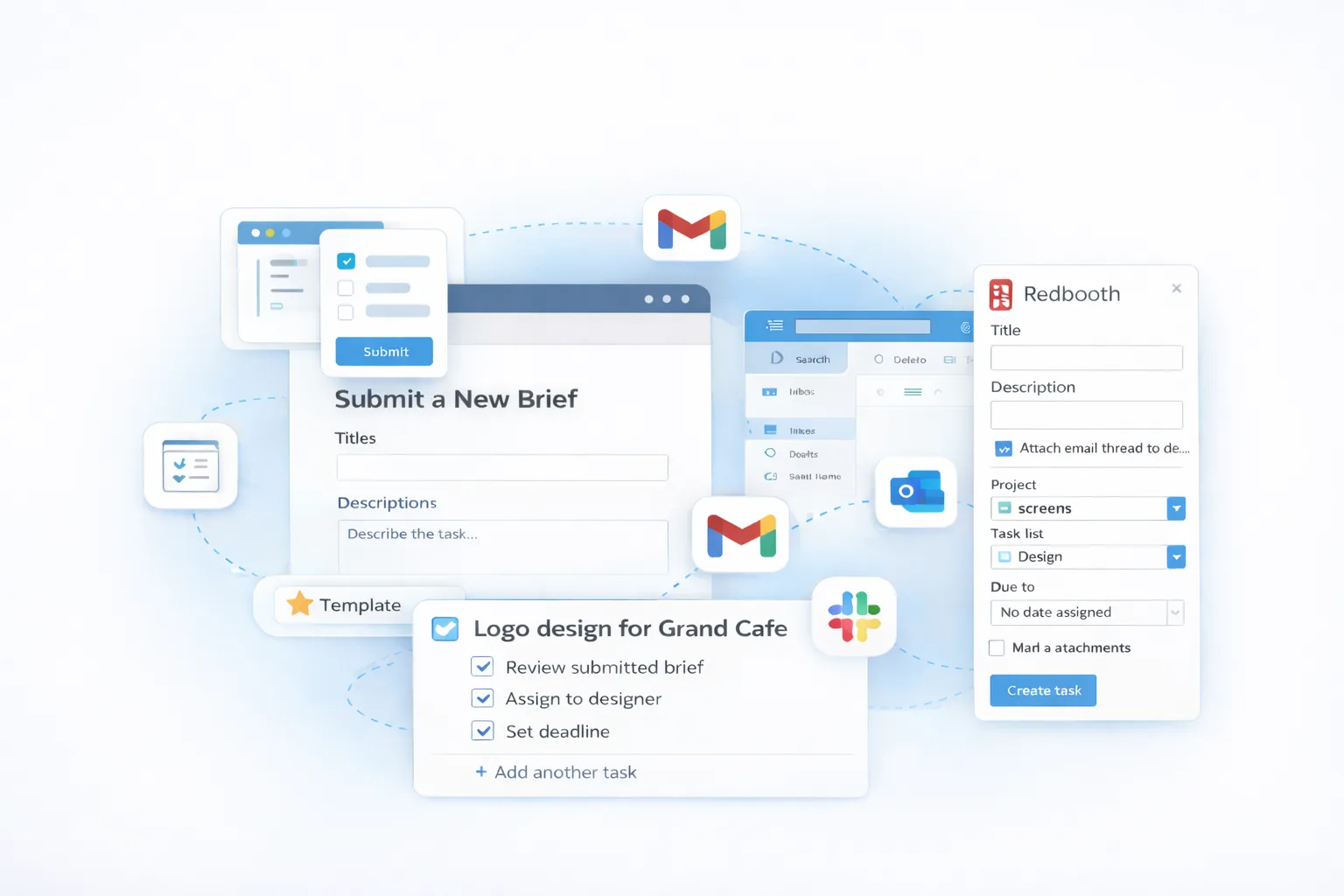
One-click templates spin up a full Guest Booking → Recording → Editing → Sponsorship → Publish workflow for every new episode across every show.
Parallel Show Management
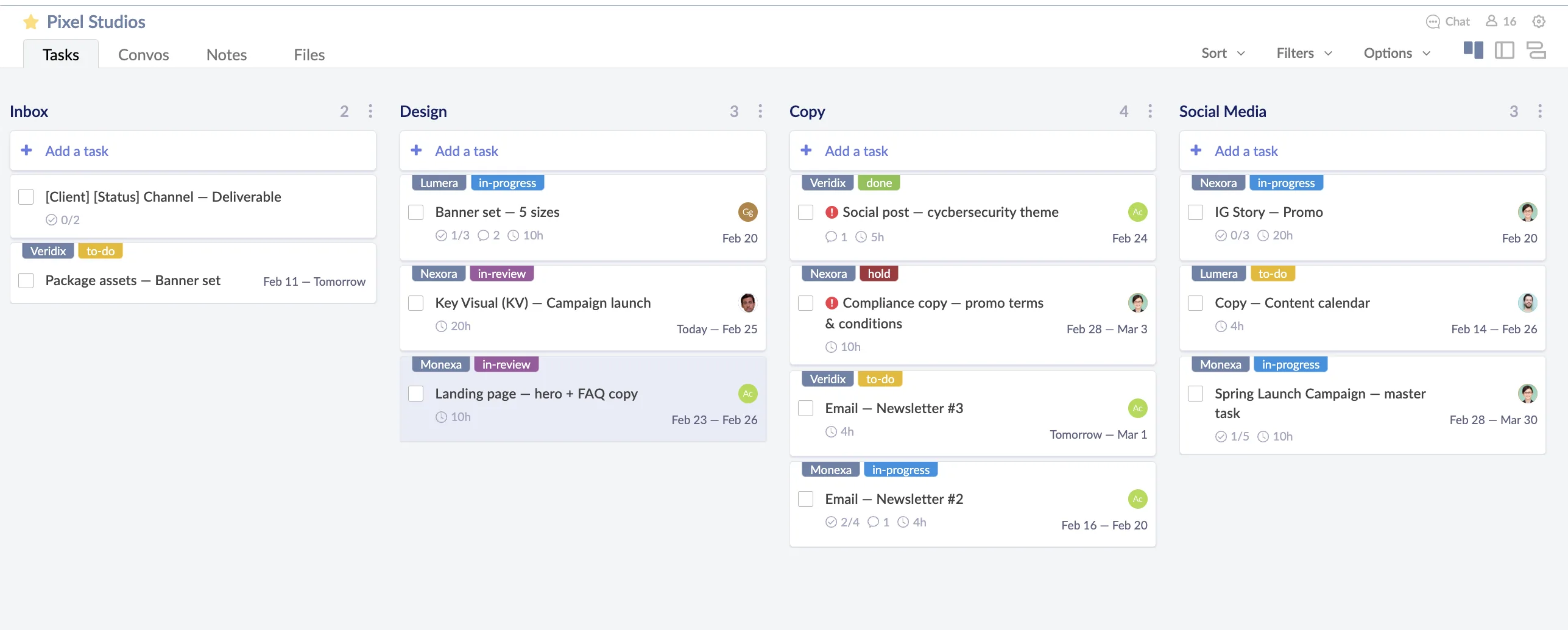
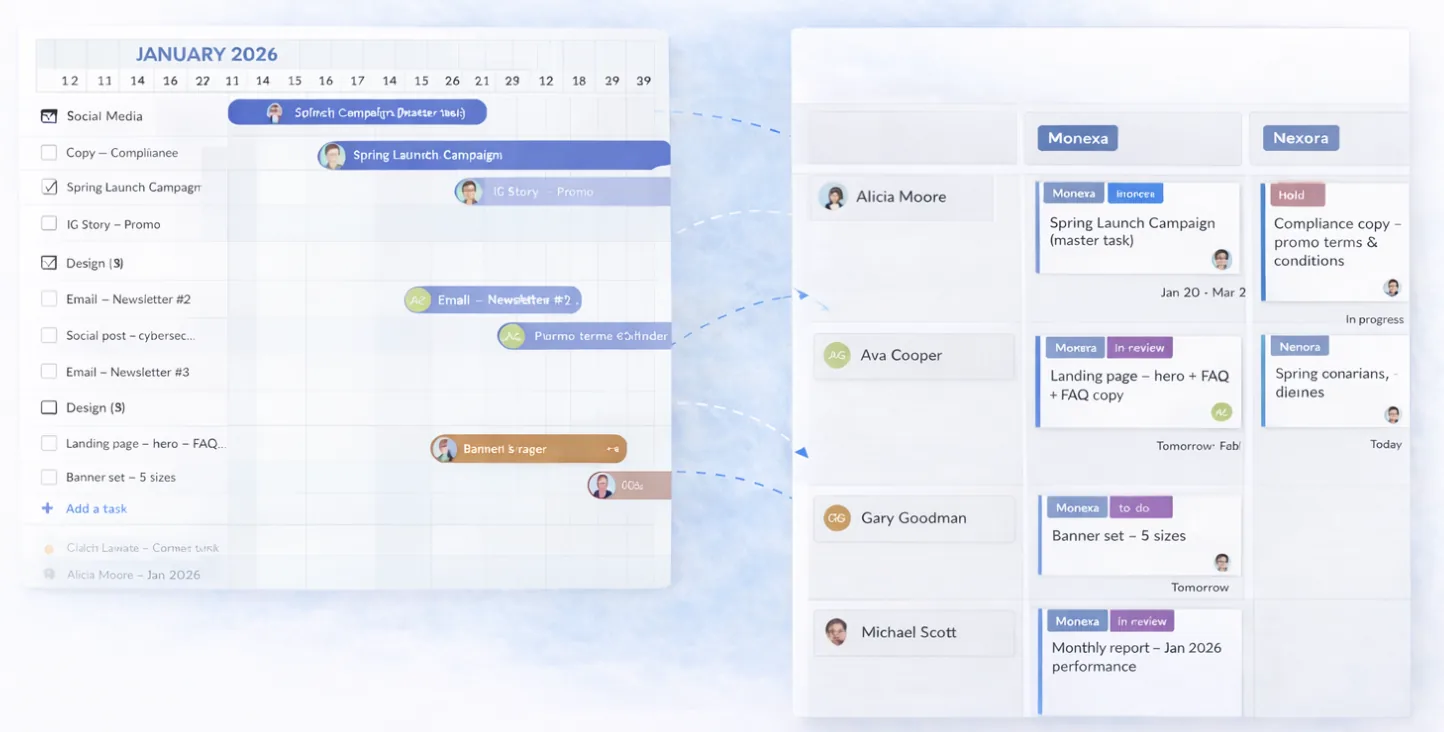
Run 3, 5, or 10 shows simultaneously from a single workspace. Swimlane view shows every episode across every show at a glance.
Guest Coordination Hub
Track outreach, confirmations, briefs, and recording slots in one place. No more losing a guest booking in a Slack thread.
Sponsorship Deliverable Tracking
Tag tasks to specific sponsor commitments—pre-roll, mid-roll, host-read—and never miss a contractual insertion deadline again.
Shared Staff Workload View
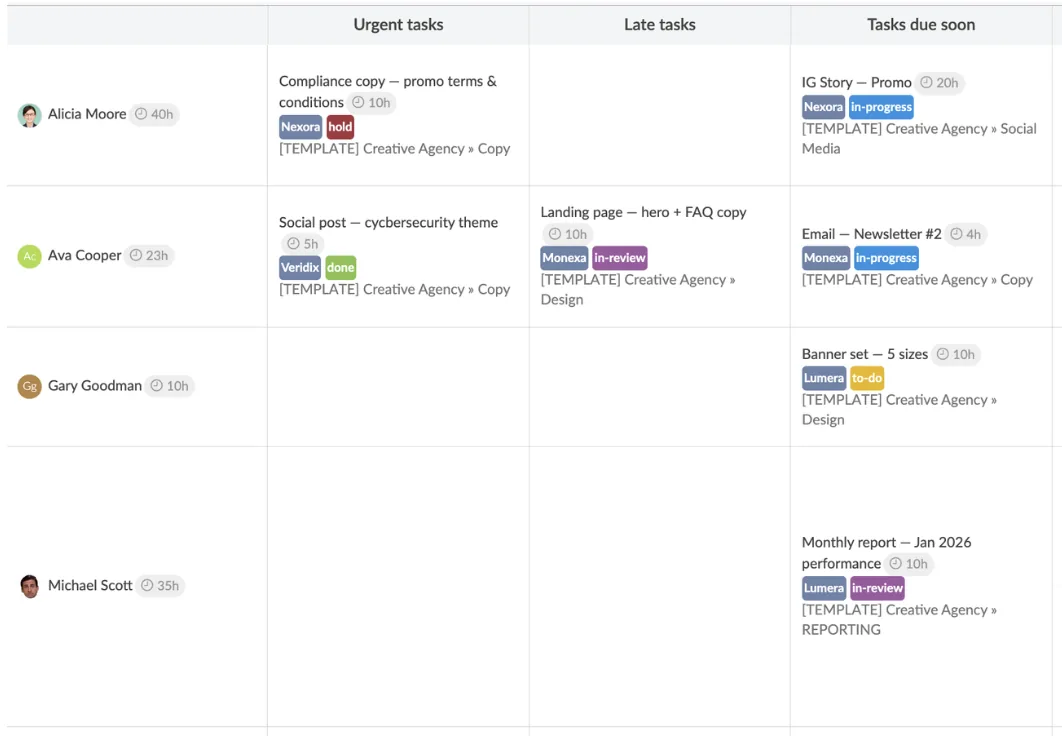
Your sound designer works across four shows. Your editor works across six. See who is overloaded before the deadline hits, not after.
AI-Powered Predictions
Redbooth Predict™ learns from 39M+ tasks to forecast episode completion dates and flag at-risk pipelines before they slip.
Trusted by Podcast Networks
"Clean looking, easy to use, easy to pull reports, sufficient customization for my needs and a great app for task management."
"Promotes effective and positive communication by keeping team members apprised, organized and efficient, hence improving the team's success and company productivity."
"My workplace has been using Redbooth for 10+ years and we would struggle without it."
Frequently Asked Questions
We only have three shows right now. Is this overkill?
Three shows is exactly the inflection point where spreadsheets and separate Trello boards start to break. Three shows × two episodes per week is six concurrent pipelines sharing the same editors, designers, and sound engineers. Redbooth gives you one workspace for all of it—and templates mean each new episode takes seconds to set up, not hours.
How does Redbooth handle repeating episode pipelines?
Create a task template with your full episode workflow—every stage, every subtask, every assignee role. When a new episode kicks off, apply the template and the entire pipeline is ready in one click. Your team works the same repeatable process every time.
Can our freelance editors and external guests access tasks?
Yes. Invite freelancers as free external members to see only the tasks relevant to them. Guests can receive a public task link to upload materials or confirm details—no account required.
How do we track sponsor commitments across multiple shows?
Tag tasks by sponsor and use due dates for each contractual insertion. The Calendar and Timeline views give you a cross-show view of every upcoming sponsor deliverable so nothing falls through the cracks before the episode publishes.
Can I try it before committing?
Yes. Start a 14-day free trial with full access to every feature—no credit card required. Set up one show's episode pipeline on day one and see how it feels before you migrate the rest.
Ready to Run Your Network Like a Studio?
Set up your first episode pipeline in minutes. One workspace for every show, every stage, every person on your team.
No credit card needed | Free forever for up to 2 users
14-day free trial · No credit card required