

Since the beginning of time, whenever a group of people work together, collaboration has been always something to improve. There is a bunch of collaboration software ready for helping you to do so, but what if you want to perform a specific idea you have? What if you want to improve your regular workflow a little bit or someone else’s workflow?
Let’s examine a specific case…
“I want to measure my team productivity hourly.”
Well this might happen at a particular point in your company. Let’s rethink the problem:
we need to measure the amount of work/activity our team generates in a determinate hour.
So splitting the work we get:
- Retrieve project activity
- Group it by hour / day
- Represent it
Is not that bad right?
Let’s say that your collaboration tool has a very good API ( https://platform.redbooth.com ). Let’s say that there is an easy way to consume it ( https://github.com/teambox/redbooth-ruby ) and also a very easy way to allow users connect with the service ( https://github.com/teambox/omniauth_redbooth ).
Nice! let’s start
Prepare the App and connect with Redbooth
For this specific case we will create a `rails 4` app. I don’t want to go deeper in this process so I documented it for you so you can see how easy is to get to the sign-in with Redbooth point by using `devise` and `omniauth-redbooth`.
https://gist.github.com/andresbravog/f92229adb87c5d9d70a8
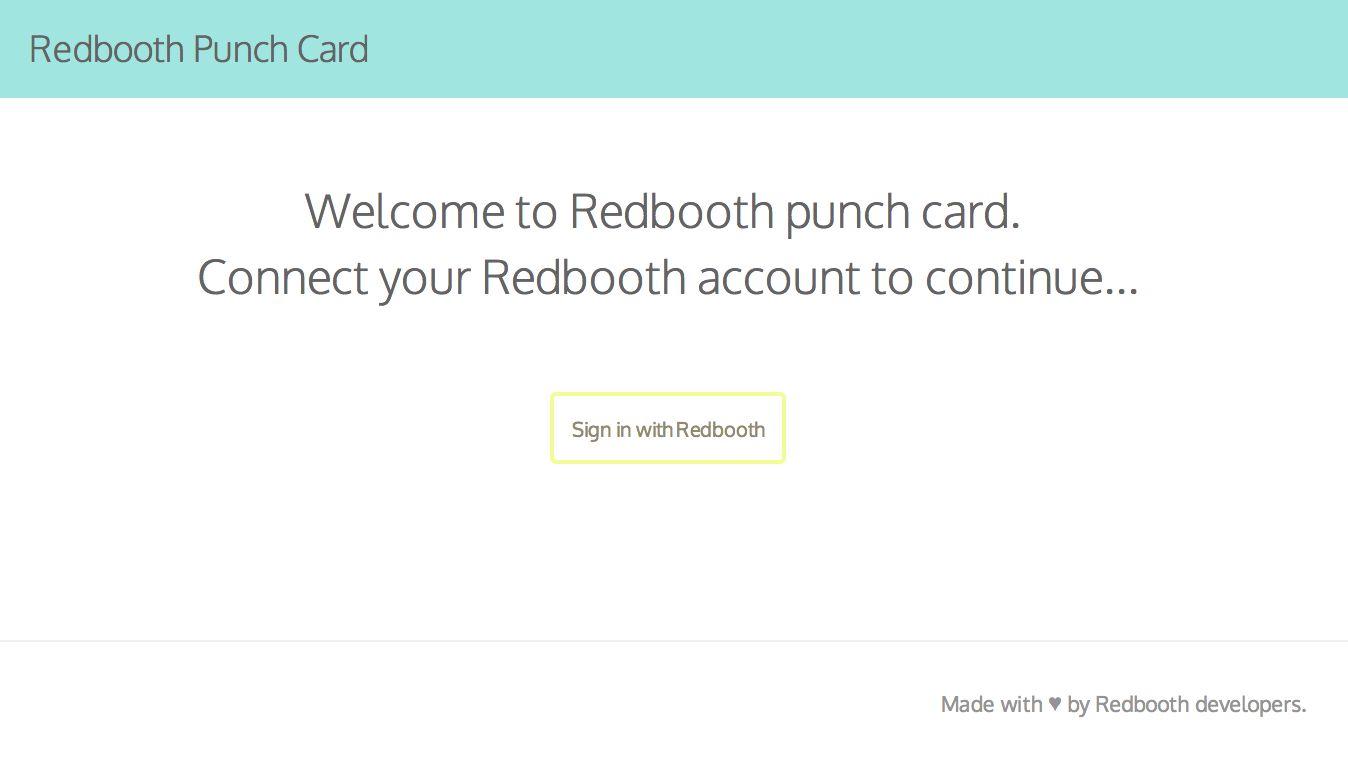
After following these quick steps and a little bit of css magic we already have something like this:
In order to get Redbooth data we just need to consume the data. That’s pretty easy to do by using the `redbooth-ruby` gem.
Adding the gem to our Gemfile
gem 'redbooth-ruby'
This makes it easy to consume redbooth data via API.
Showing a project picker
Graphing the activity of every Redbooth project would be a little bit misleading so we are going to create a project selector to reduce the visualization scope. In order to do so we need to fetch the Rebooth projects name/id list to which the user belongs.
I recommend using service objects to perform the different operations inside your applications. Here is one retrieving the projects list:
class RedboothConnector::ProjectsLister
  attr_accessor :user

  def initialize(user)
    @user = user
  end

  # Fetches all Redbooth projects where user belongs
  #
  # @return [Array(RedboothRuby::Project)]
  def perform
   projects_collection = client.project(:index, user_id: user_id)
   projects = projects_collection.all

   while projects_collection = projects_collection.next_page do
    projects << projects_collection.all
   end

   projects.flatten!
  end

  protected

  # Current user id
  #
  # @return [Integer]
  def user_id
   client.me(:show).id
  end

  def session
   @session ||= ::RedboothRuby::Session.new(token: user.credentials.token)
  end

  def client
   @client ||= ::RedboothRuby::Client.new(session)
  end
end
As you can see we initialize the service object with the user holding the authentication data that we are going to use to create the redbooth-ruby session and client. All this initialization data could be extracted to a Base object like:
require 'redbooth-ruby'

class RedboothConnector::Base
  attr_accessor :user

  # Initializes the Ruby object with the user holding
  # the redbooth credentials
  #
  # @param user [User] user holding the redbooth credentials
  def initialize(user)
    @user = user
  end

  protected

  # Creates RedboothRuby session based on user credentials
  #
  # @return [RedboothRuby::Session]
  def session
    @session ||= ::RedboothRuby::Session.new(token: user.credentials.token)
  end

  # Creates RedboothRuby client based on the session
  #
  # @return [RedboothRuby::Client]
  def client
    @client ||= ::RedboothRuby::Client.new(session)
  end
end
Now we can have a much cleaner project retriever object by keeping only the perform method to collect the user projects and the user_id helper.
class RedboothConnector::ProjectsLister < RedboothConnector::Base

  # Fetches all Redbooth projects where user belongs
  #
  # @return [Array(RedboothRuby::Project)]
  def perform
    projects_collection = client.project(:index, user_id: user_id)
    projects = projects_collection.all

    while projects_collection = projects_collection.next_page do
      projects << projects_collection.all
    end

    projects.flatten!
  end

  protected

  # Current user id
  #
  # @return [Integer]
  def user_id
    client.me(:show).id
  end

end
And use it in your controller like
@projects = RedboothConnector::ProjectsLister.new(@current_user).perform
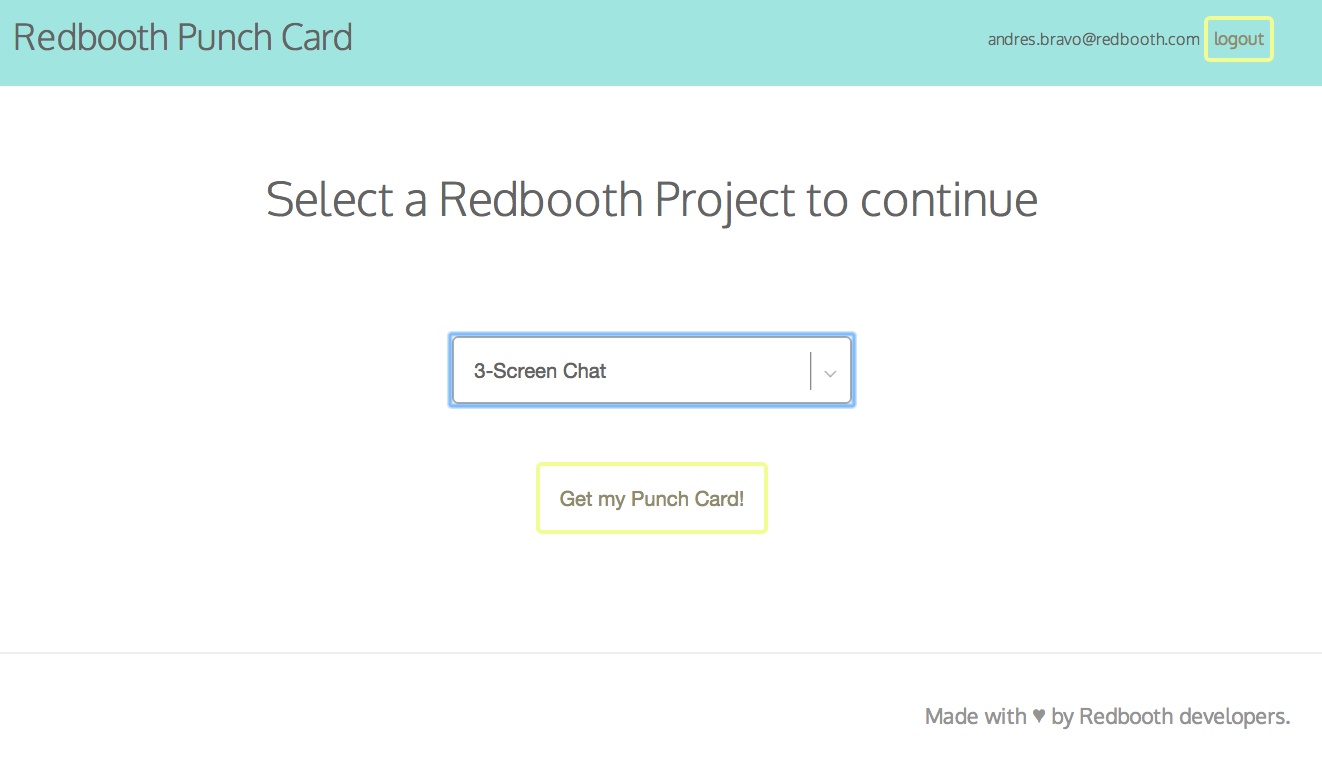
And with a little bit of css magic we can do the second step of our app: a project selector.
But, let’s get back to the point.
Retrieve project activity
Once the user has selected the target project to be represented we are able to start retrieving the project activity which in this example will be the task creation count grouped by hour and week day. As we have the Base redbooth connector object holding the common client logic we are going to create a service object wrapping that:
class RedboothConnector::TasksDataGrouper < RedboothConnector::Base
  attr_accessor :project_id, :data

  # Initializes the Object attributes with targeted redbooth project_id
  #
  # @param user [User] user holding redbooth credentials
  # @param project_id [Integer] Redbooth project id to list task form
  def initialize(user, project_id)
    @project_id = project_id
    @data = {}
    super(user)
  end

  def perform
    tasks_collection = client.task(:index, project_id: project_id)

    parse_tasks_data(tasks_collection.all)

    while tasks_collection = tasks_collection.next_page do
      parse_tasks_data(tasks_collection.all)
    end

    to_hash
  end

  protected

  # Group given tasks data by creation hour and week day
  # and hold that count info into @data attribute
  def parse_tasks_data(tasks)
    tasks.each do |task|
      # ...
    end
  end

  # Export @data info into a understandable graph info
  #
  # @return [Array]
  def to_graph
    # ...
  end
end
Here we are iterating over the pages and parsing that data, this is good for two different reasons, it keeps our process memory in a controlled level and it gives us the ability to “guess” how much time this process is going to take so we can get the total_pages information.
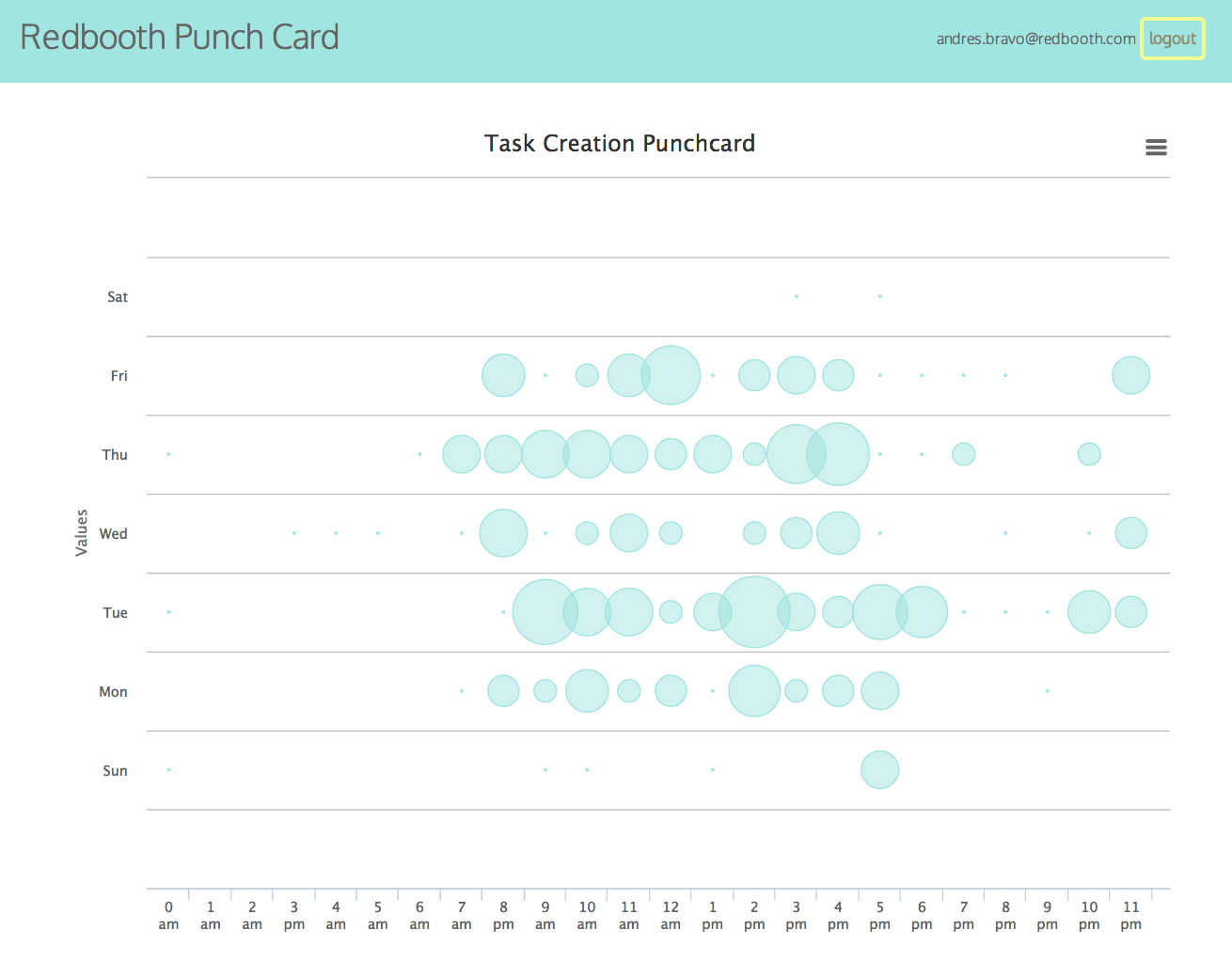
Once we retreive this data we just have to describe the data visually by using any chart library you love, here we are using highcharts.com.
@data = RedboothConnector::TasksDataGrouper.new(current_user, params[:project_id]).perform.to_graph
Wrap up
By now you should have an idea on how to build new features in top of any collaboration platform (especially Redbooth one).
You also should know how to easily connect your application users with Redbooth API and how to fetch and iterare over the different Redbooth objects and data.
So, now that you have the ability to build something new, and improve collaboration, What are you going to create?
Links
- Live App: https://redbooth-punch-card.herokuapp.com
- Github Repo: https://github.com/andresbravog/redbooth-punch-card
- Redbooth-Omniauth: https://github.com/teambox/omniauth-redbooth
- Redbooth-Ruby: https://github.com/teambox/redbooth-ruby
- HighCharts: http://www.highcharts.com
Thanks and happy coding